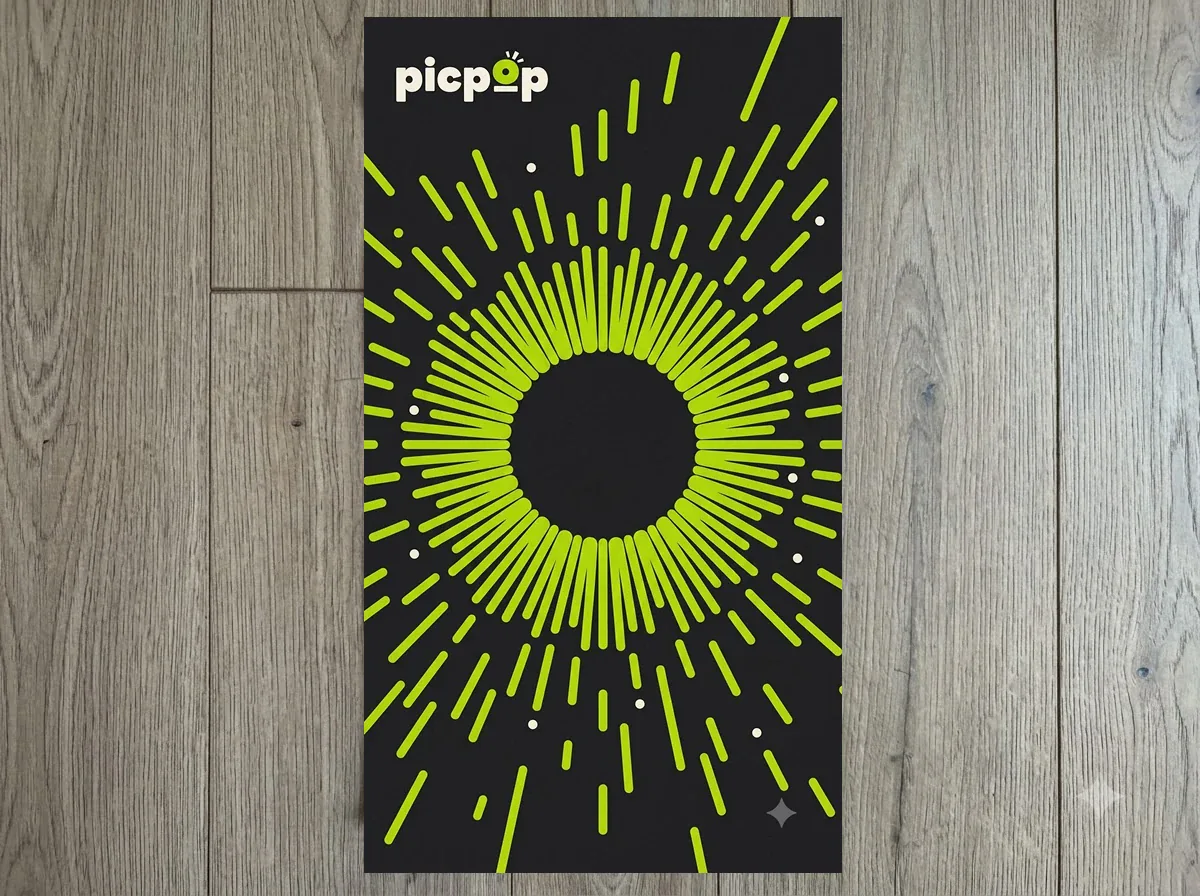

Example 1
Brand poster
Scan the QR, point at the poster and watch it pop to life.
Web AR · No app needed
PICPOP turns printed photos, posters and packaging into web AR. Scan the QR, point your phone at the picture and watch it come alive with video, images, links and buttons.
How it works

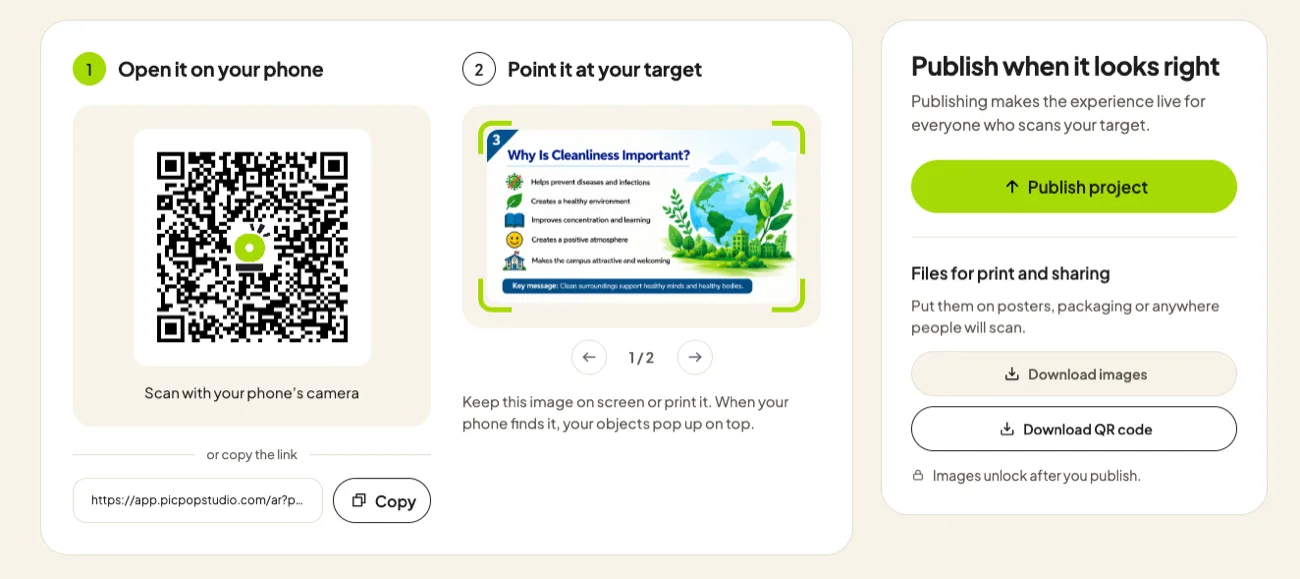
1Open it on your phone
 Scan with your phone’s camera
or copy the link
2Point it at your target
Keep this image on screen or print it. When your phone finds it, your objects pop up on top.
Publishing makes the experience live for everyone who scans your target.
↑ Publish project✓ PublishedPut them on albums, posters, packaging or anywhere people will scan.
⤓ Download images⤓ Download QR codeTry it live
No sign-up, no app. Scan a QR below with your phone camera, then point the phone at the picture next to it — right here on your screen.
Scan the QR, point at the poster and watch it pop to life.
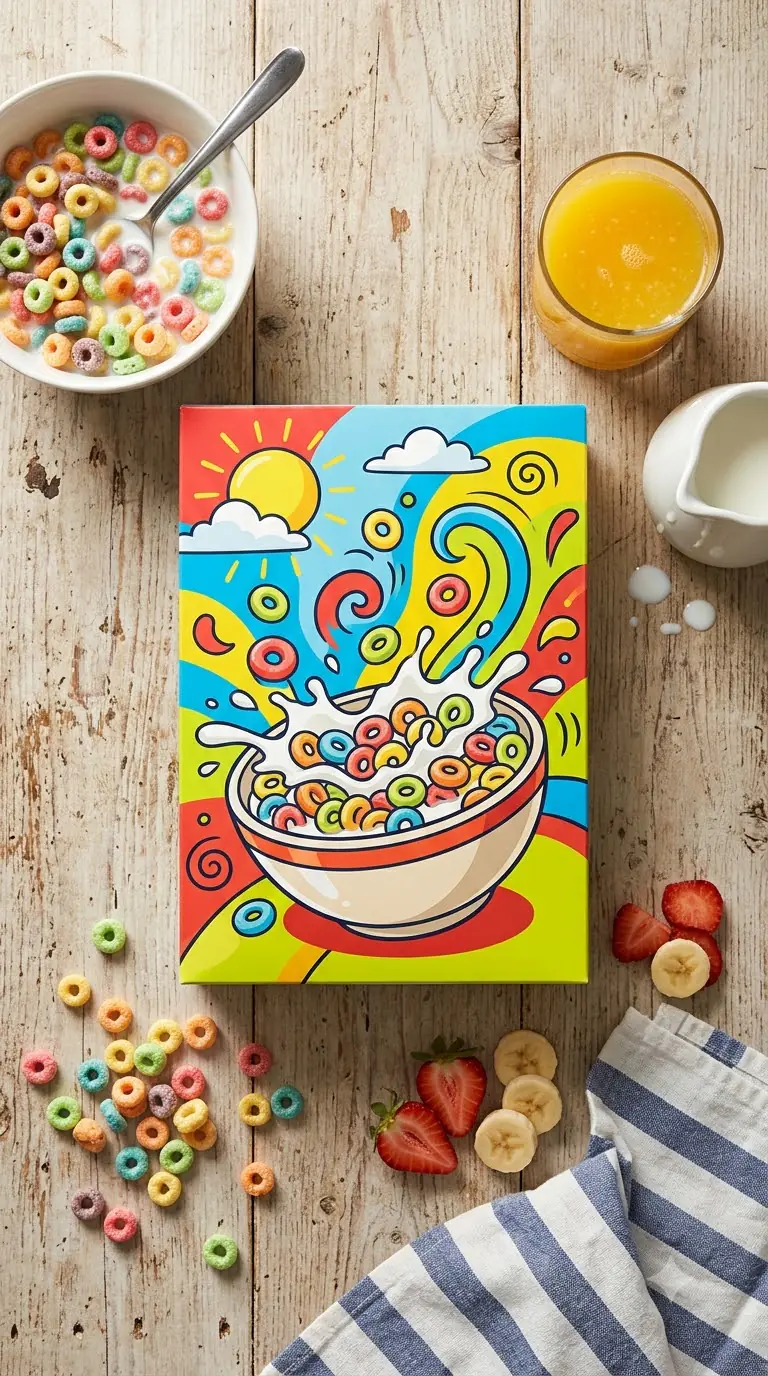

Scan the QR, point at the cereal box and watch the pack come alive.
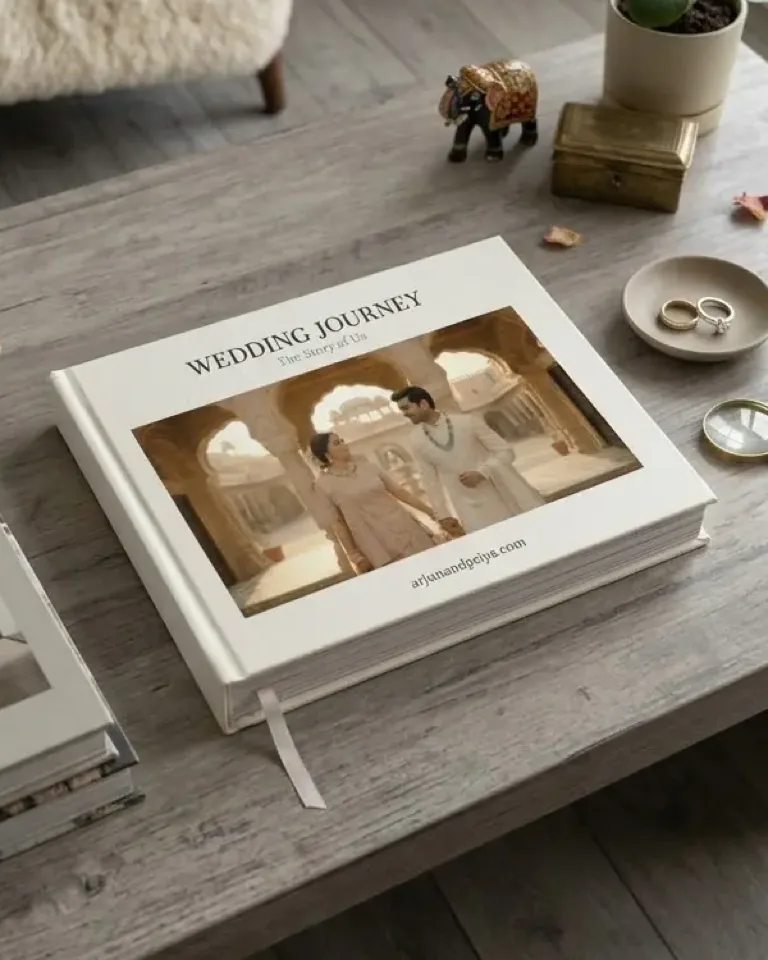
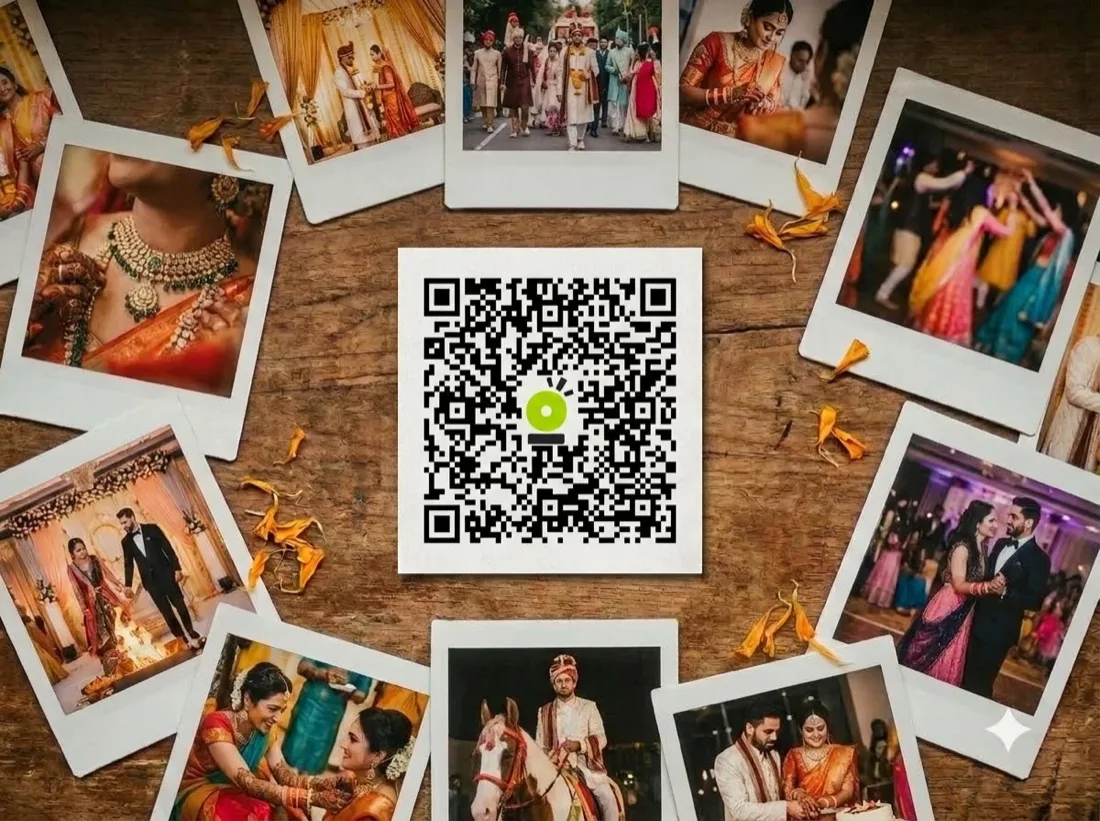
Scan the QR, point at the album cover and watch the couple’s moment play.
Tip: turn your screen brightness up and hold the phone 20–40 cm from the picture. Already on a phone? Open the same picture on another screen or print it, then scan the QR.
Use cases
From wedding albums to restaurant menus, shopfronts and textbooks — pick a category and see what PICPOP can do.
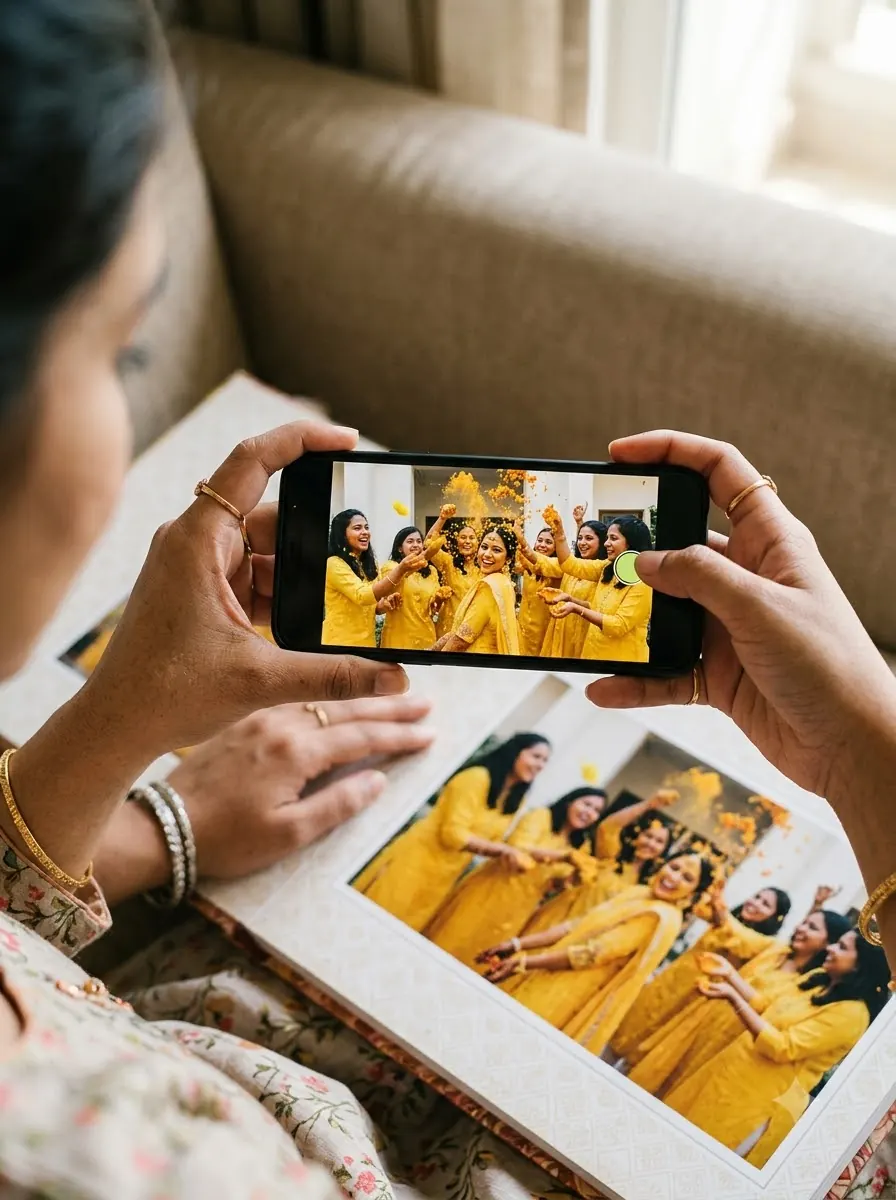
Wedding prints and albums that replay the vows, the first dance and every moment in between.
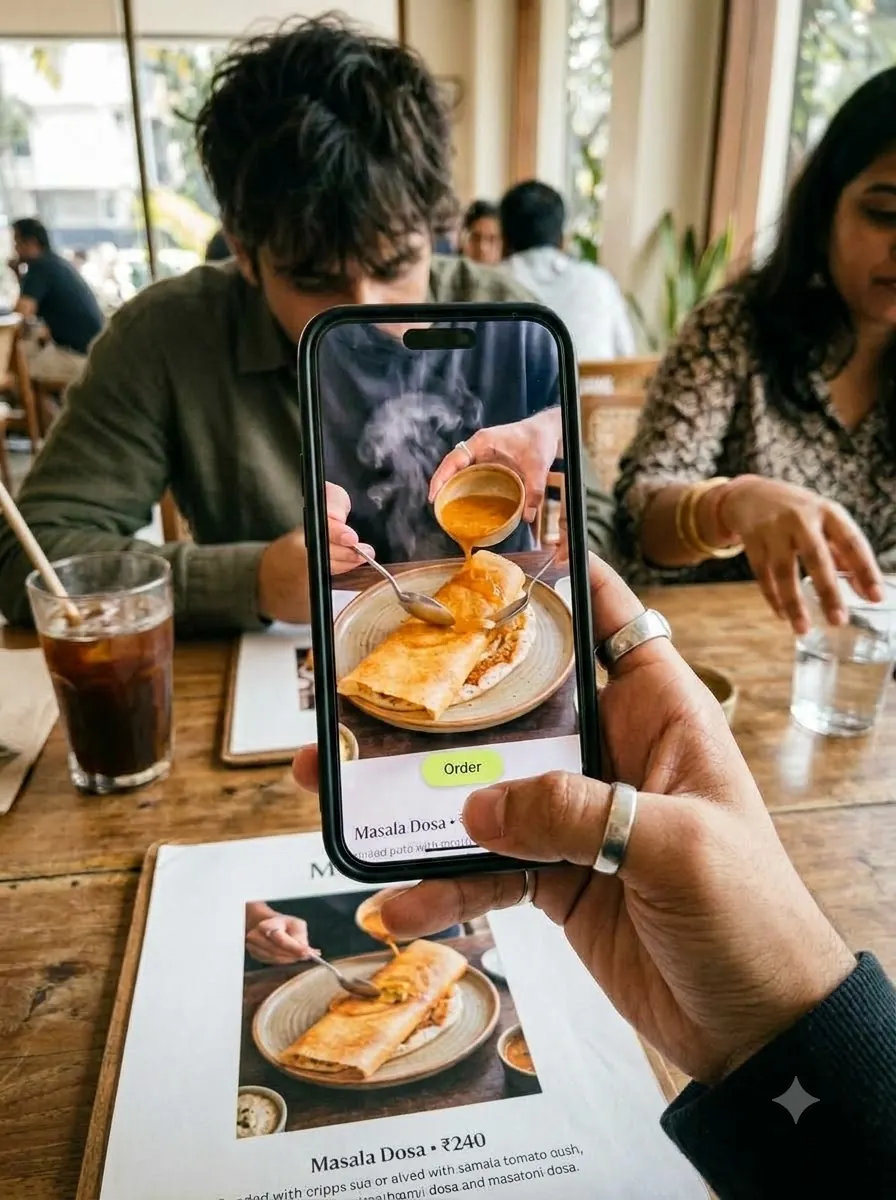
Menus, table cards and coasters that show the dish being made, today’s offer and a link to order.
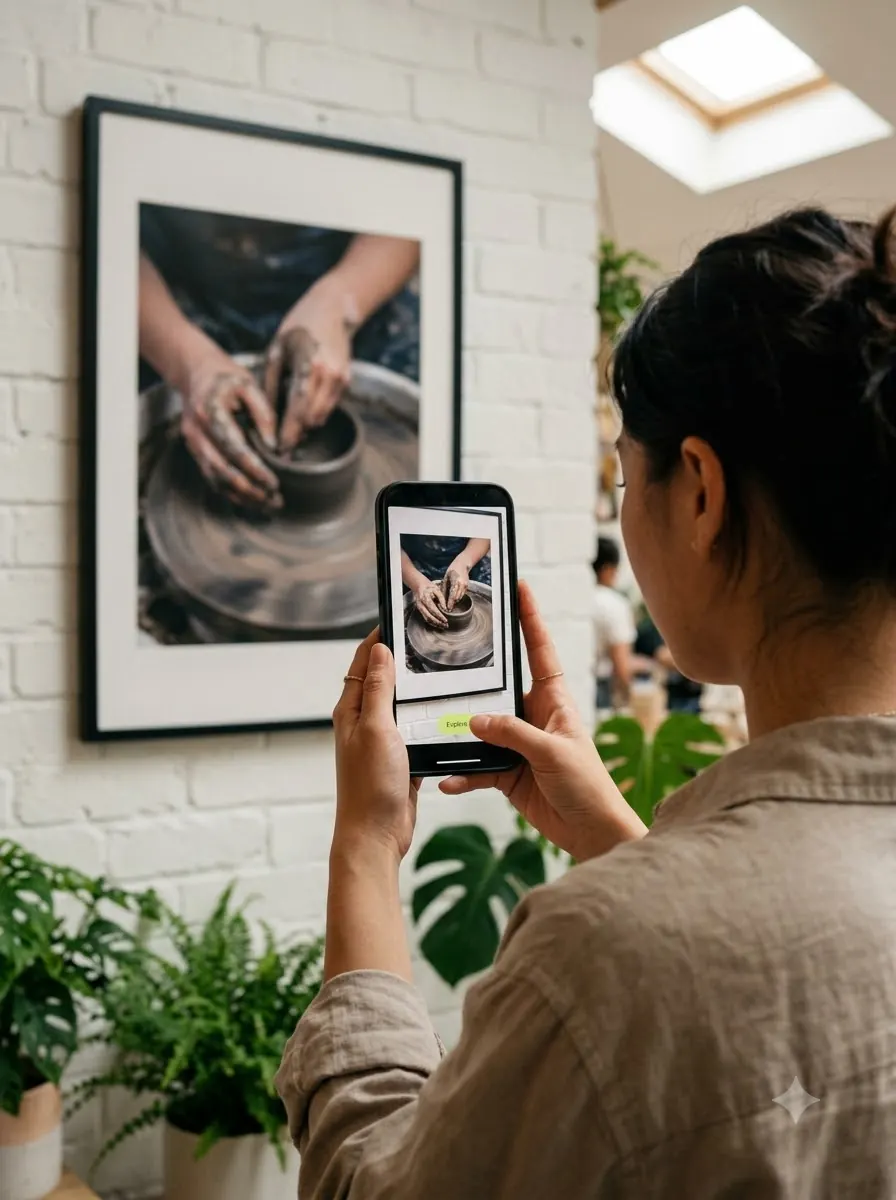
Walls, shopfronts, showrooms, hotels and offices that tell their story the moment a phone points at them.
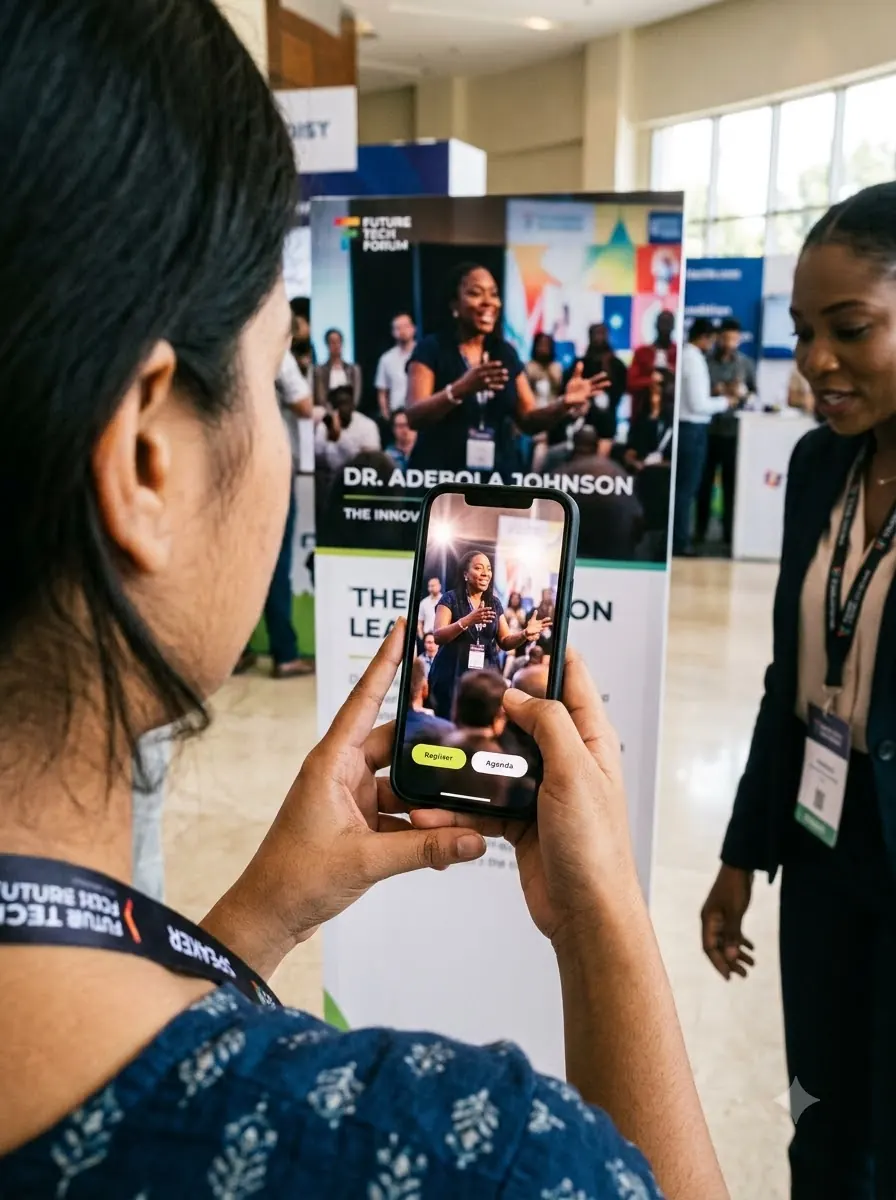
Launches, conferences and corporate events: agendas, speaker videos and registration links from one poster.
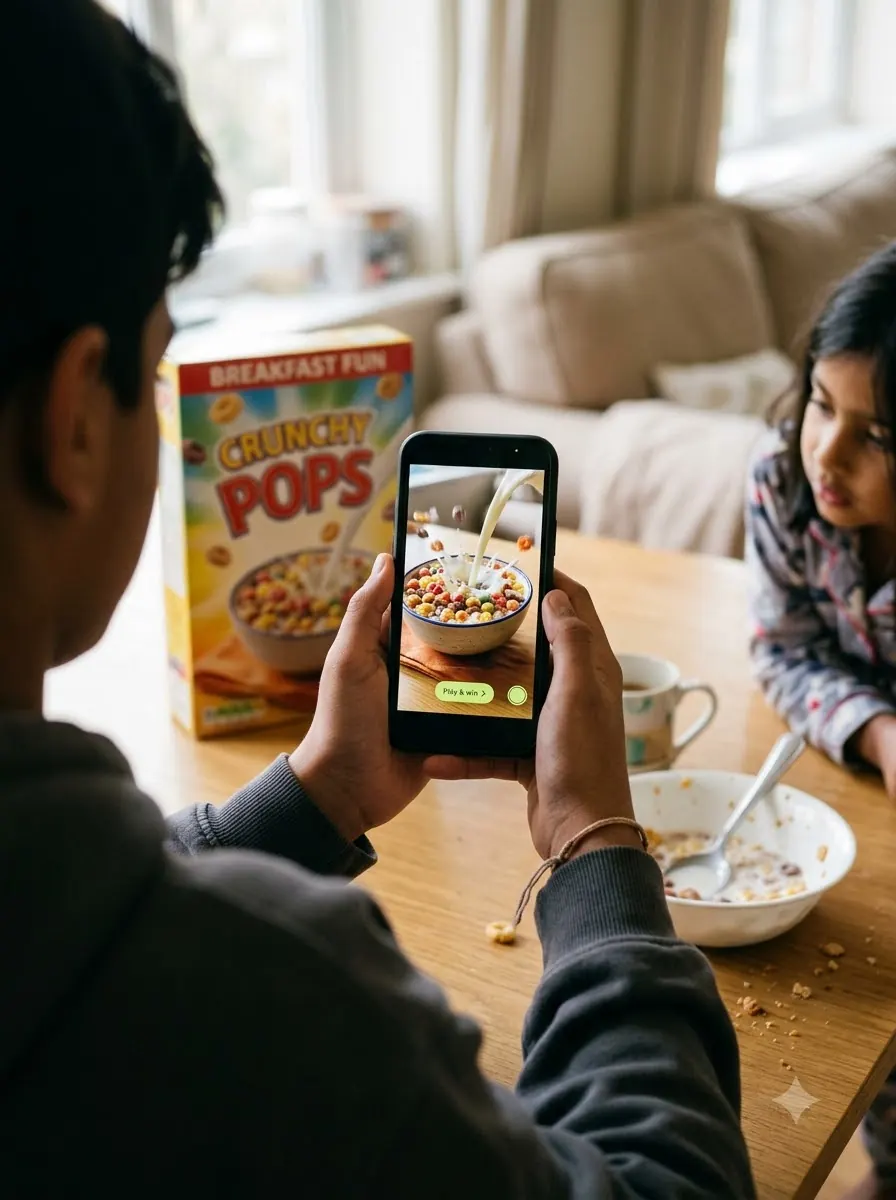
Boxes and packs that run contests, play brand videos and link straight to “Play & win” or reorder.
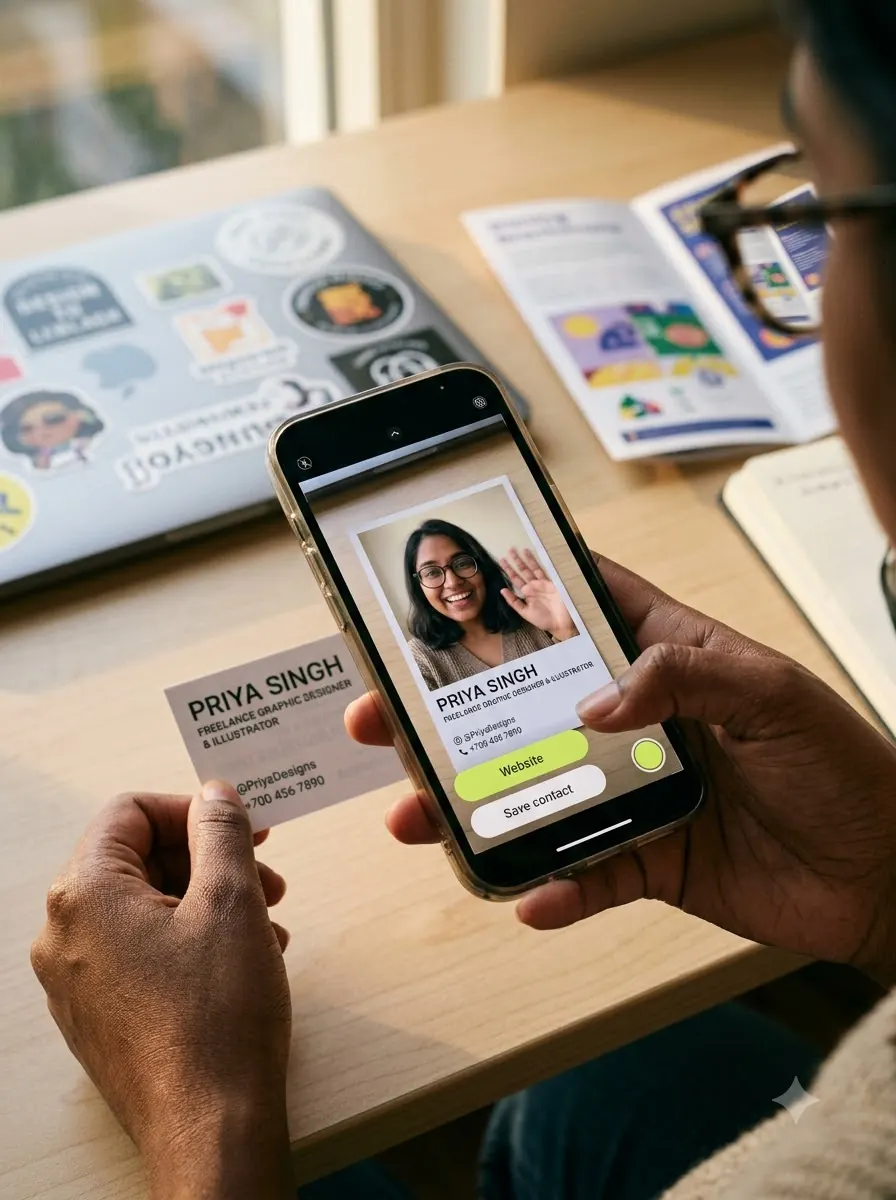
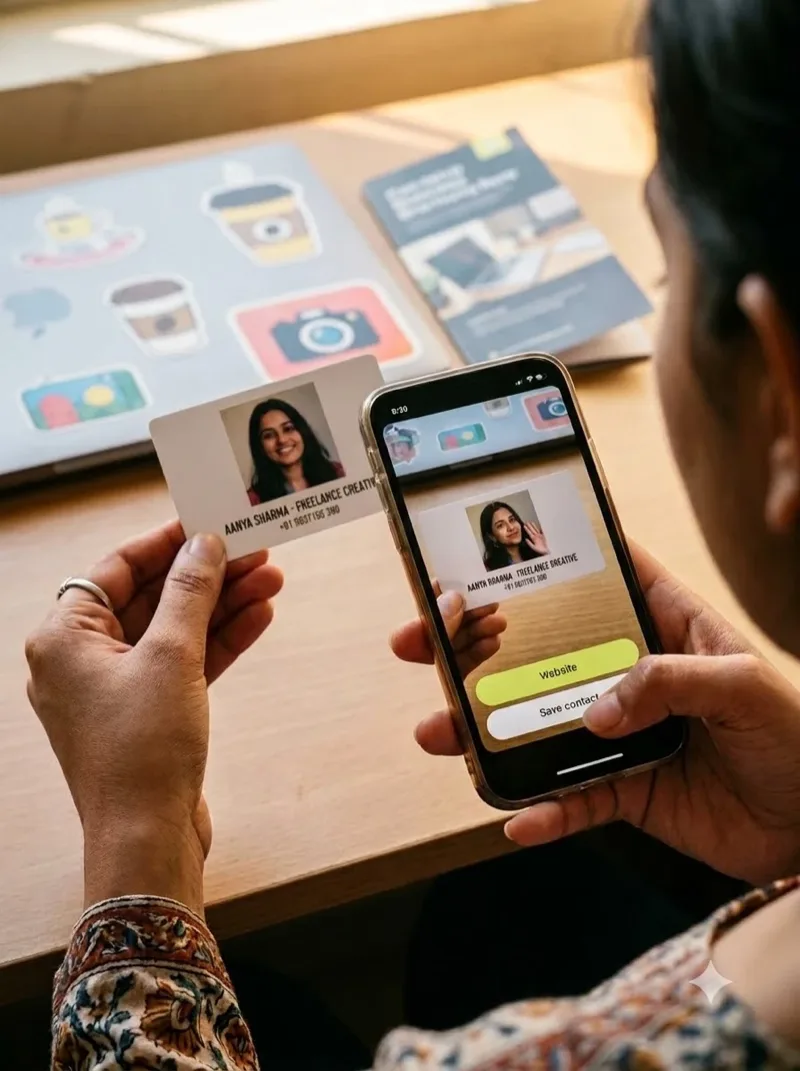
Brochures, flyers, magazine ads and business cards that play a video and lead straight to your site.
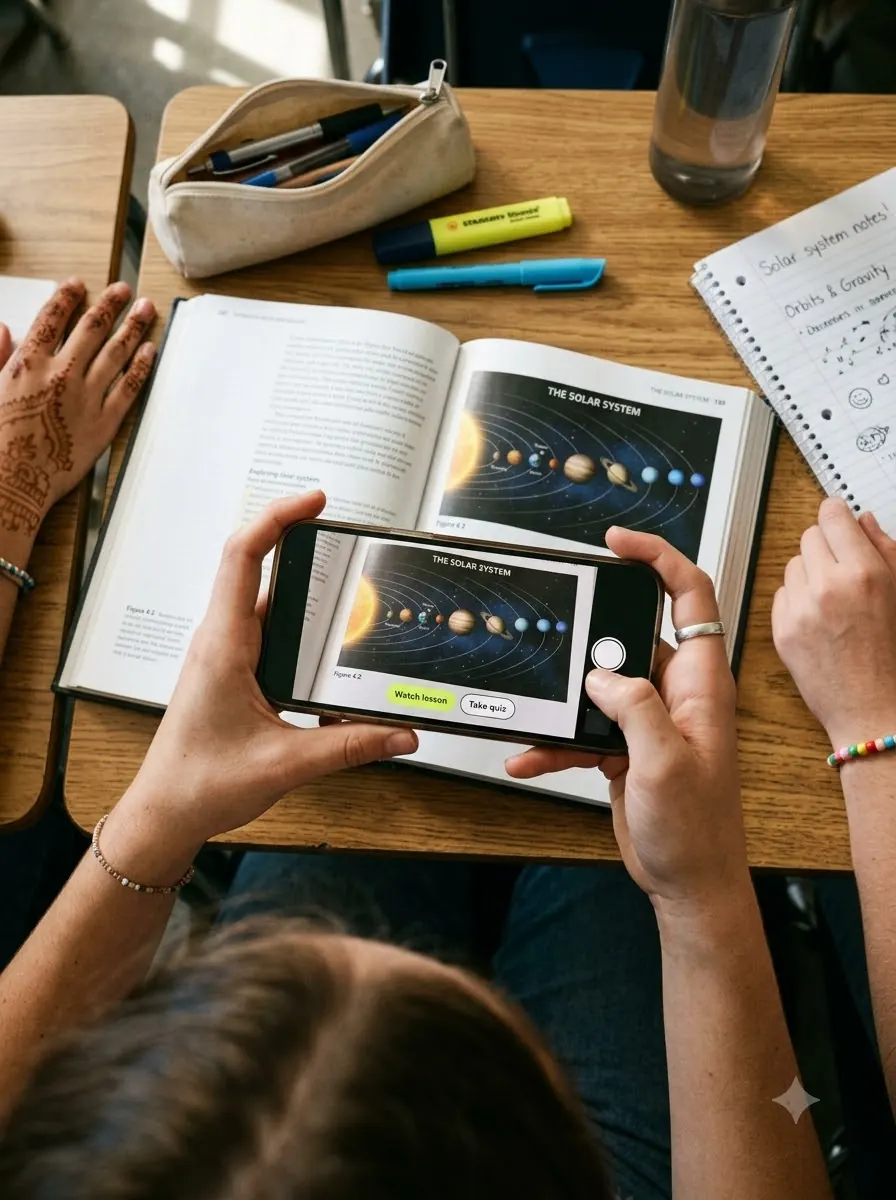
Textbooks, worksheets, classrooms and museum exhibits that explain themselves with video.
Features
Layer a clip over your photo so the moment keeps moving.
Send scanners to a shop, tickets or a playlist in one tap.
Skip the app store. Scan the QR and the AR opens straight in the phone’s browser, so nobody fills their phone with another app.
The print and QR stay the same. Replace the video and every printed copy plays the new one. No reprinting.
Target image +
image(1)Targetimage(2)Targetimage(3)Target image(4)Target1 target2 targets3 targets4 targets
Pricing
Viewing is always free. You only pay to create. Each image is one AR experience: one target image linked to its video, images, links and buttons.
For brands, agencies, studios and printers working at scale.
All prices include GST. Validity starts from the day your AR experience is activated. Videos above 100 MB need to be compressed before upload, or talk to us about Enterprise.
Target images and videos stay on our servers for your plan’s validity. If PICPOP ever shuts down, we intend to give at least 30 days’ notice so you can download your files.
To keep an experience live after its validity ends, renew it at the current price. Any price change applies only going forward and is shown before you buy or renew.
Purchases follow our Refund & Cancellation Policy. Please read it before you pay.
You are solely responsible for the images, videos, links and buttons you publish, and must have the rights to them. Content that breaks the law or our Content Rules may be removed without notice or refund.
For wedding photographers
Turn every album page into a moment couples can relive. Use the clips you already shot, add your studio logo, and hand couples an album that brings the day back to life.
How it works for studios
Make your first interactive picture in minutes.
Create your first popPICPOP is an interactive picture platform. It is web-based AR: you add videos, images, links and buttons to a target image in the browser, publish, and share a QR code that opens the experience on any phone.
When you publish, PICPOP gives you a QR code. Put it on or next to your picture. Scanning it opens the camera in the phone’s browser; pointing the camera at the picture shows the content you added.
No. PICPOP is web-based AR, so it runs in the phone’s browser. There is nothing to install.
Yes. After publishing, download a print-ready file of your target image with its QR code already placed on it, and send it straight to print.
Yes. The printed picture and QR code stay the same, and you can swap the video you attached, so you never have to reprint.
Yes. A single project can hold as many target images as you need, for example every page of a wedding album. See our guide to making an AR wedding album.
Yes. Studios upload album pages, attach clips from the wedding film and their logo, then add the QR code on the front of the album before sending it to print. Talk to us for studio and bulk pricing.
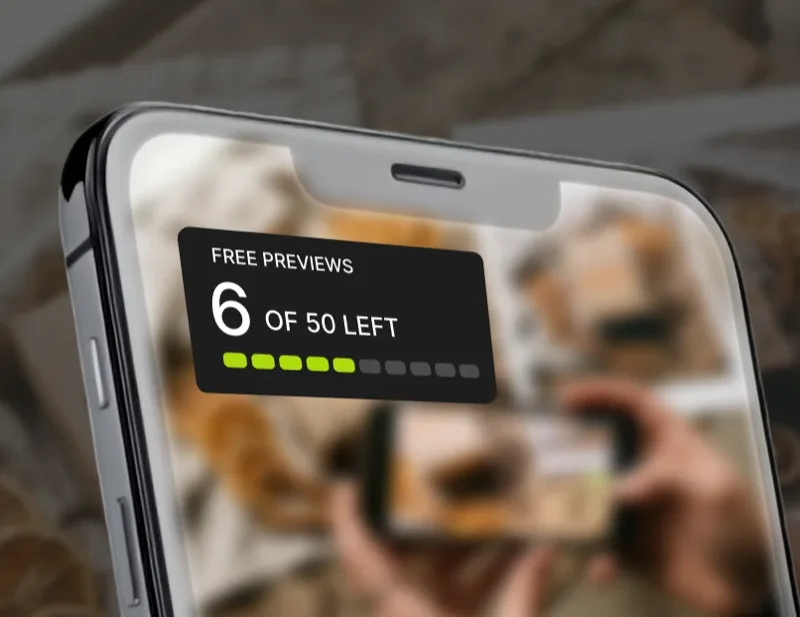
Start with 50 free previews, each valid for 20 days. Then pay ₹129 per image (introductory rate, regular ₹199, GST included) for a video up to 100 MB, with your image and video live for 2 years. Prices include GST. Viewing and scanning are always free for your audience; you only pay to create.
From the blog
Pick the clips, build one project, add your logo, publish one QR and send the album to print.
Read the guide →How a printed picture plays video from a QR scan, with no app.
Read more →Sharp, high-contrast artwork and the right file size.
Read more →Menus, packaging, posters, albums, business cards, shopfronts and textbooks: seven places to put a video behind a picture.
See the ideas →Contact
Stuck in the editor, or simply short on time? Tell us what you need. Our team can build the whole AR experience for you and hand it back ready to print.
create@picpopstudio.com